Missed context
You prepared the notes, links, and talking points, but they are not where you need them when the question lands.
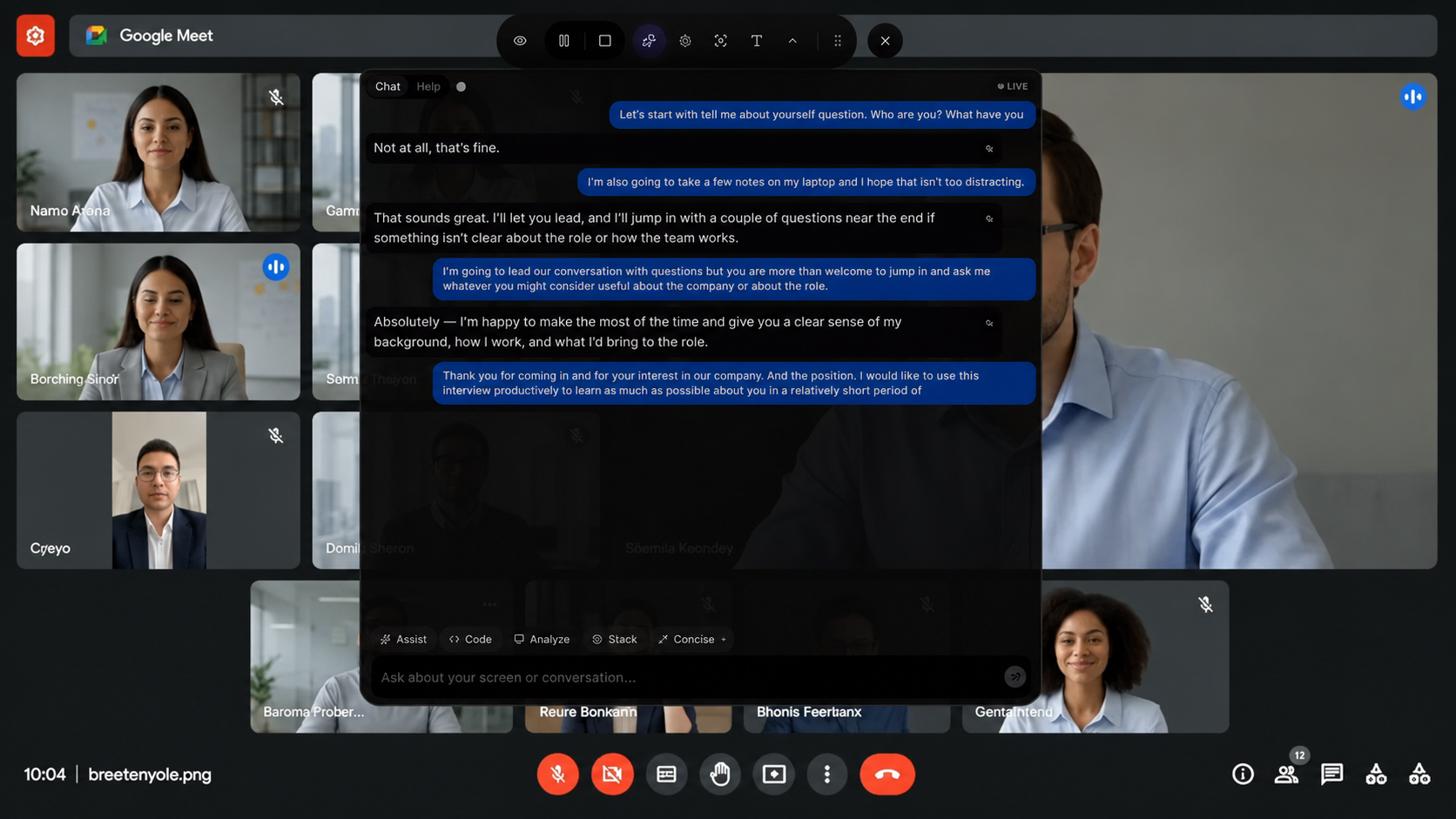
Sarant listens to the conversation, sees your screen, drafts clear answers, stacks context, and lets a Duo helper guide you live from one private desktop overlay.

Questions move fast, context gets scattered, answers come out messy, and even a great helper needs a clean way to coordinate while the session is happening.
You prepared the notes, links, and talking points, but they are not where you need them when the question lands.
You know the material, but live pressure turns the answer into a ramble instead of a structured response.
A coach or teammate can help, but only if they can follow the session clearly and guide without slowing you down.
It listens, sees, stacks context, brings in a real helper, and keeps the whole workspace under your control.
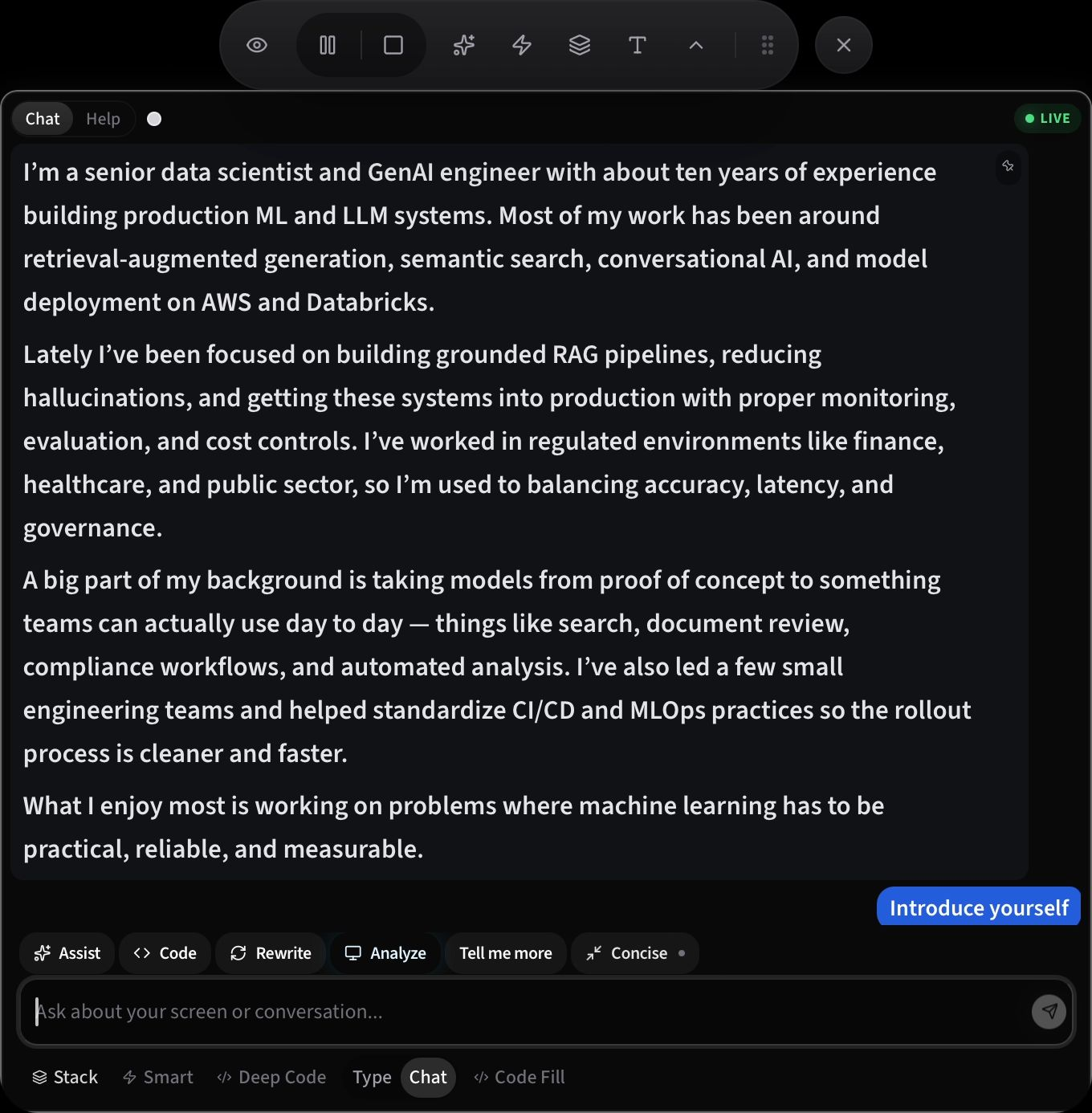
Once the interviewer finishes, the suggestions stream in automatically.
Stream high-fidelity system audio, mic input, and screen visuals to your remote helper. Let them co-pilot your workspace, write code, and guide you live.
Combine visual references into one analysis.
Design a resilient rate limiting service that can scale to 10k requests/second per node with low latency.
Use Redis transaction pipelines for thread-safe atomic token bucket operations and sub-millisecond check times.
Partition keys by tenant prefix and provide local fallback algorithms when the remote cluster is unreachable.
Expose a client API is_allowed(client_id) -> bool returning status and remaining token count.
Sarant runs as a private desktop layer instead of joining as a meeting bot. Chat, rewrite, code, analyze the screen, and switch modes without breaking your flow.
Set up the desktop permissions once, configure the session, then launch the live overlay when you are ready.
Grant desktop, mic, screen, and accessibility permissions.
Name the session and confirm the basics.
Add notes, documents, or useful background.
Choose how Sarant should guide you.
Open the live overlay when you are ready.
You’re live. Sarant listens, transcribes, and helps you stay clear and structured.
Manage helpers, session requests, prepaid hours, seats, and review flow from one agency workspace.
Invite agency admins, helpers, and users with the right role for each live workflow.
Create room codes, accept user requests, and keep helpers connected to the right session.
Run prepaid agency hours or seat plans, then track balance, usage, and access clearly.
Keep a repeatable trail for live coaching, practice sessions, and team follow-up.
Designed for interview prep, coaching, training, and skill assessments. Keep helpers, users, billing, and live sessions aligned.
Create an agency workspace when you are ready to manage seats, prepaid hours, and teams.
For pilots and low-volume teams that want agency controls without a fixed seat model.
The clearest monthly plan for recurring teams with predictable usage.
Helping individuals and teams show up with confidence.
“Sarant helped me stop rambling. I could see the transcript, stay calm, and answer with structure.”
Maya S. Software engineer, interview prep“The setup flow made it clear what was live, what was paired, and what context would be used. Practice felt far less chaotic.”
James R. Product manager, meeting practice“Duo made live coaching easier. We could review the same session trail instead of relying on memory.”
Priya N. Mentor coach, Duo collaboration“I finally felt like I could practice live sessions without losing the thread. The review trail made it easier to improve after each round.”
Anika S. Engineering candidate, mock interviews“For team practice, Sarant gave us one repeatable setup. People knew what was enabled, what was captured, and how to review the session.”
Olivia L. Training lead, coaching cohortSarant is a desktop coaching workspace for practice interviews, technical walkthroughs, meetings, and other sessions where real-time assistance is allowed.
The desktop experience targets macOS and Windows. Contact the team for current availability and onboarding details.
Yes. Team deployments are intended to pair access management with clear policies for approved use cases.
Choose a plan, then sign in or create an account. Agency plans can promote an individual account into an agency admin after checkout.
Tell us about your agency, team size, and the kind of live sessions you run. We will set up a branded trial workspace with 3 interview hours so your helpers can experience Sarant properly.